Image enlargement
Try an image upscaler free of guesswork
An image upscaler can make a picture larger, but it cannot reliably recover detail that was never captured. Prepare your source image, decide where you will use the result, and check the tool’s current access terms before uploading.
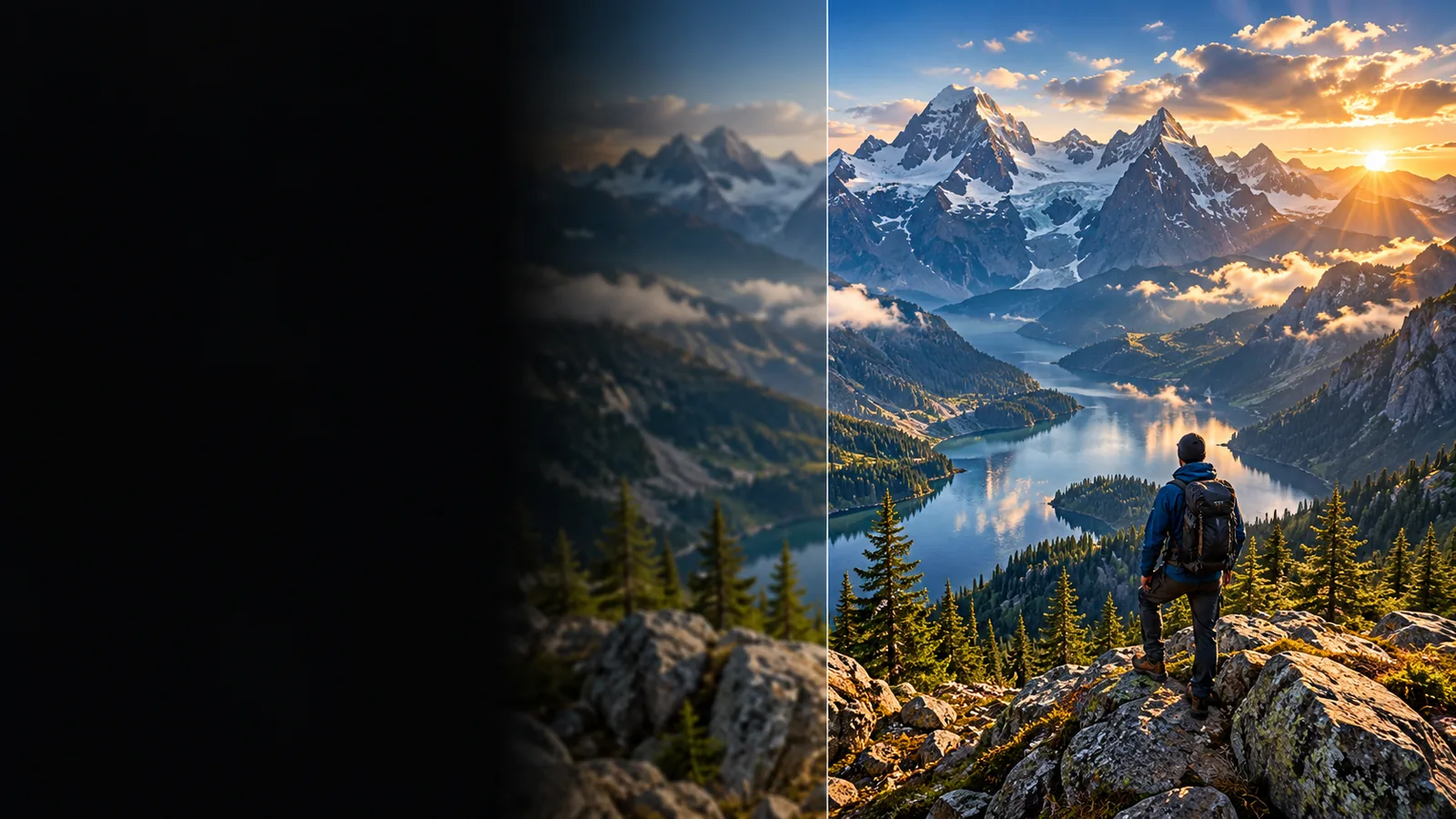
Prerequisites
Keep the best available original, know your intended display size, and decide what changes would make the result unusable.
- best free online image upscaler Compare browser-based enlargement choices and the access details worth checking before you start.
- imgupscaler ai See how AI-assisted enlargement differs from simply adding pixels.
- imgupscaler examples free Review practical image types and the details to inspect in an enlarged result.
One full run-through
Use a single representative image for your first test. That makes it easier to judge the result before spending time preparing a collection.
-
1
Choose the source
Find the highest-resolution original you can. Avoid enlarging a screenshot of a photo when the photo itself is available; interface elements and compression marks become part of the image an image upscaler must interpret.
-
2
State the intended result
Note whether the picture is for a larger screen, a presentation, or print. If you use a prompt-based tool, ask it to preserve composition and recognizable features rather than inventing texture. Review any displayed access terms before submitting the image.
-
3
Inspect at the use size
Compare the output with the original at the size you actually need. Check faces, text, straight lines, fine patterns, and smooth areas. Keep the original so you can reject an attractive result that has changed important details.
Options table
These common source-image problems help narrow your options. An image upscaler may improve appearance, but the workaround can matter more than the enlargement method.
Small text
Enlargement cannot guarantee that letters missing from the source will become accurate. Generated-looking characters can be especially misleading in a label or document.
What to do instead
Find the original document or replace the text from a verified source.
Heavy compression
Blockiness and ringing may be sharpened along with the subject. A larger file is not proof that the underlying detail has improved.
What to do instead
Start from an earlier export or an uncompressed original when available.
Unclear access terms
A search for a free image upscaler does not establish what a particular destination currently allows, which files it accepts, or whether it requires an account.
What to do instead
Read the destination’s current terms and upload guidance before sharing an image.
What fails
Compare what each enlargement approach does when the source lacks usable detail. Neither approach can make an unreadable original authoritative.
| Conventional resize | AI-assisted upscaling | |
|---|---|---|
| How size increases | Interpolates pixels from the existing image. | Estimates additional visual detail from image patterns. |
| Missing facial detail | Usually remains soft. | May appear sharper while changing recognizable features. |
| Unreadable text | Remains unreadable at a larger size. | May produce plausible-looking but incorrect characters. |
| Compression artifacts | Can become larger and more visible. | May be smoothed or mistaken for real edges. |
| Straight graphic edges | Can look soft or jagged, depending on the resize method. | May look cleaner but should be checked for altered shapes. |
| Best final check | Compare sharpness at the intended display size. | Compare both appearance and factual details with the source. |
Take a careful first pass
Bring your best original and a clear description of what must stay unchanged. Check the destination’s current access terms, then inspect any enlarged result beside its source before using it in a presentation, listing, or print project.
Test one image before committing to a result
- Keep the original file
- Check text and recognizable features
- Judge the result at its intended size
FAQ
Access depends on the specific service and its current terms. Check the destination before uploading rather than assuming a search result guarantees a free download or a particular allowance.
It may make edges appear clearer, but it cannot verify detail absent from the original. Compare faces, signs, and other important features against the source instead of judging sharpness alone.
Choose one representative image in the best original quality you have. A test containing the kinds of detail you care about will tell you more than an unusually easy sample.
An image upscaler may estimate texture where the source provides little information. Check for repeated patterns, altered facial features, and invented lettering; if those matter, look for a better original or use a smaller display size.