Imgupscaler

Practical image tests

How to evaluate imgupscaler examples free of guesswork

Looking for imgupscaler examples free of polished before-and-after claims? Start with a small image you know well. Its text, edges, and fine details will tell you more than a dramatic sample with an unknown source.

Check available options after opening
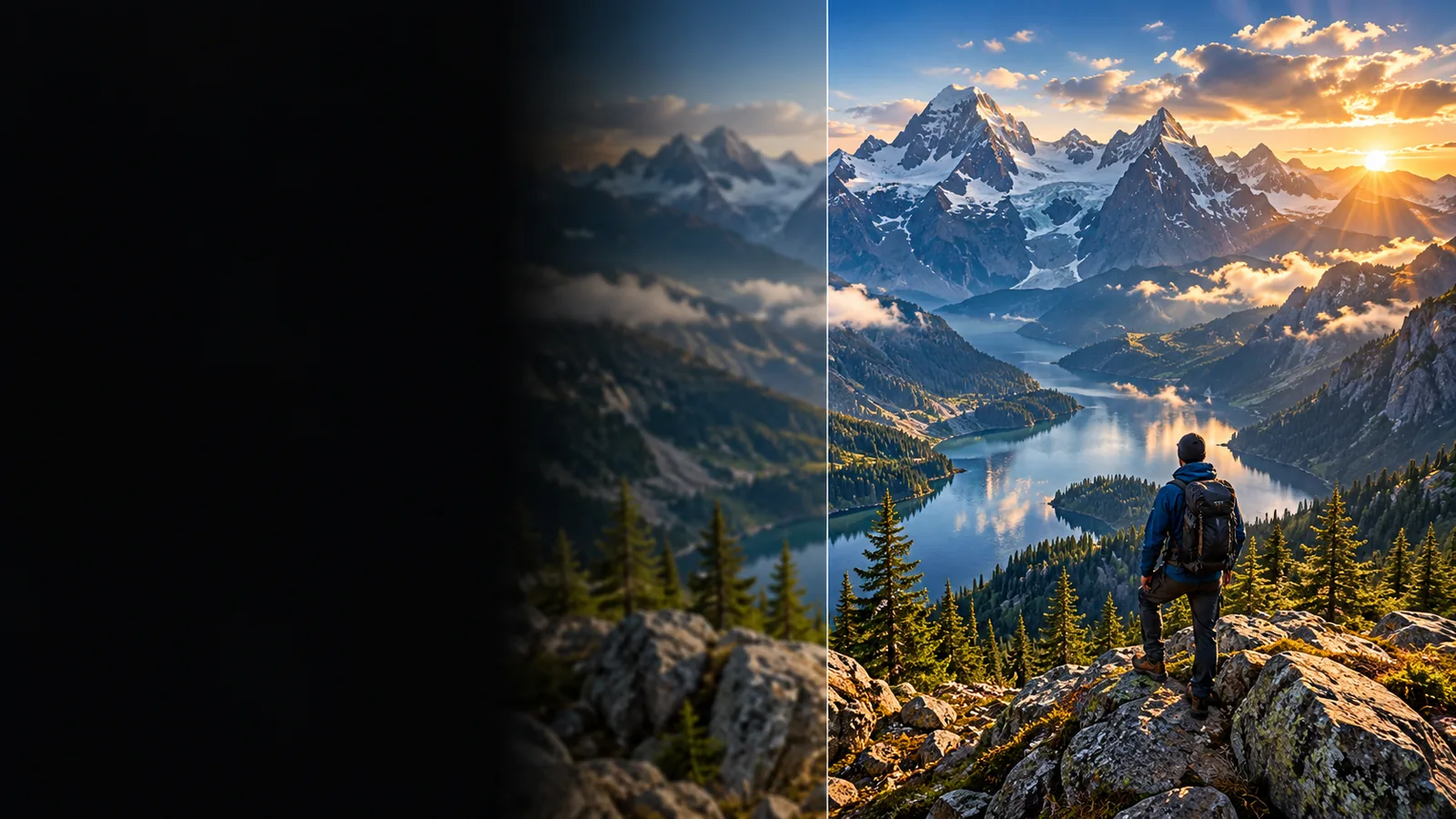
Example imagery for evaluating an enlarged image

What an example cannot prove

A compelling preview is a starting point, not evidence that every source image will improve.

1

Missing detail cannot be verified

An enlarged face or fabric pattern may look plausible without matching detail that was present in the original scene.

What to do instead

Keep the source beside the result and avoid presenting newly apparent detail as documentary fact.

2

Tiny text may change

Letters on a package, sign, or screenshot can become convincing-looking shapes that spell something else.

What to do instead

Read every important word at the intended display size; replace critical text from an authoritative source if necessary.

3

A preview does not establish access terms

An example cannot confirm that a particular export, resolution, or repeated use is available without payment.

What to do instead

Review the current options at the destination before planning a free production workflow.

4

Larger does not mean sharper everywhere

Hair, outlines, and smooth backgrounds can respond differently within the same picture.

What to do instead

Inspect the whole image as well as a close crop of its most difficult area.

Three concrete workflows

Use the same source-and-result comparison for each task, but change the detail you inspect.

  1. 1

    Test a product listing

    Choose a small product photograph with a visible label. Request a larger image, then compare lettering, package edges, and the outline against the source. If a character changes, do not publish the result as an accurate product image.

  2. 2

    Test an older portrait

    Choose a portrait you have permission to use. Compare eyes, hairline, and facial proportions before judging the overall impression. A pleasing face is not necessarily a faithful one, especially when the original is blurred.

  3. 3

    Test a digital illustration

    Choose artwork with thin outlines and flat-color areas. Examine whether lines stay continuous and gradients avoid new bands. View the result at its intended placement size rather than relying only on a magnified crop.

Example output: a comparison checklist

For an imgupscaler example, compare the small source with an enlarged candidate using the same checks. The right column describes what to inspect, not a guaranteed result.

Small source Enlarged candidate
Overall size Record the source dimensions before testing. Confirm the exported dimensions suit the intended placement.
Product lettering Note which characters are readable in the original. Check every visible character for substitutions or invented strokes.
Portrait features Identify features the source actually shows. Look for changed proportions or confident detail absent from the source.
Illustration outlines Mark thin lines, corners, and intentional breaks. Check for doubled edges, gaps, or rounded-off corners.
Background Notice grain, compression blocks, or smooth color. Look for halos, patchy texture, and unwanted color bands.
Final placement Record where the original falls short. Judge the candidate at the actual display size, not only when zoomed in.

Match the review to the person using it

These examples make a free trial more informative: each person has a different reason to reject an otherwise attractive result.

Print designer

A small illustration must fill a larger layout. The designer checks outline continuity and the final placed size, then confirms whether the available export meets the job's requirements.

A larger file is useful only if its details hold up where it will appear.

imgupscaler 4k

Family archivist

A scanned portrait looks soft, and the family wants to share it. The archivist keeps the original, compares facial features, and avoids treating reconstructed detail as a historical record.

The image can be easier to view without confusing interpretation with evidence.

imgupscaler colorize

Small-shop owner

A product photo needs more room in a listing. The owner checks label accuracy first, then reviews image rights and upload handling before using a third-party service.

An appealing listing image still needs accurate packaging and an acceptable handling process.

imgupscaler privacy

Compliance notes before publishing

Use an image you own or are permitted to process. Keep its original, inspect any enlarged version for misleading changes, and verify the destination's current access, export, and data-handling terms before relying on it for a client or public project.

Test with an image you can review

  • Retain the untouched source
  • Check text and identity-sensitive details
  • Confirm rights and current service terms
Test your image

Scenario FAQ

Use a source image whose important details you can identify before processing. A side-by-side check of text, edges, and the intended display size is more informative than viewing an enlarged result on its own.

Yes, if the example includes a readable label or another detail you can check against the source. Reject a result that changes lettering, package shape, or other facts a customer would reasonably rely on.

They can reveal obvious changes to facial proportions, but an attractive portrait does not prove that newly visible detail is authentic. Keep the original alongside the result, particularly for archival or identity-sensitive uses.

An example image does not establish a license or the access terms for generating another result. Use your own image or obtain permission, then check the current service terms and available export options before publishing.

Upscale an image
Upscale an image